Karaoke Machine with Auto-Tune: How Pitch Correction Actually Works
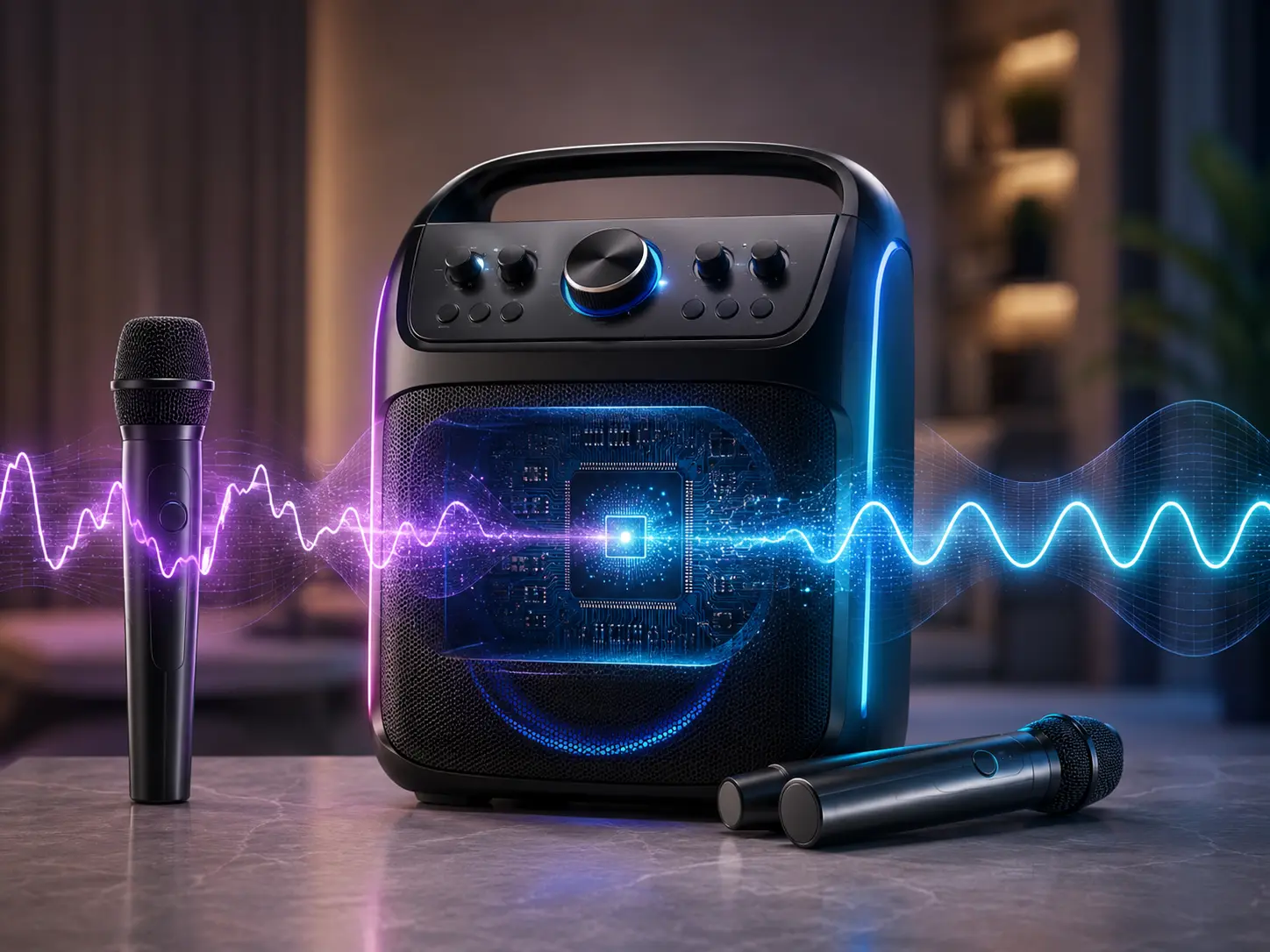
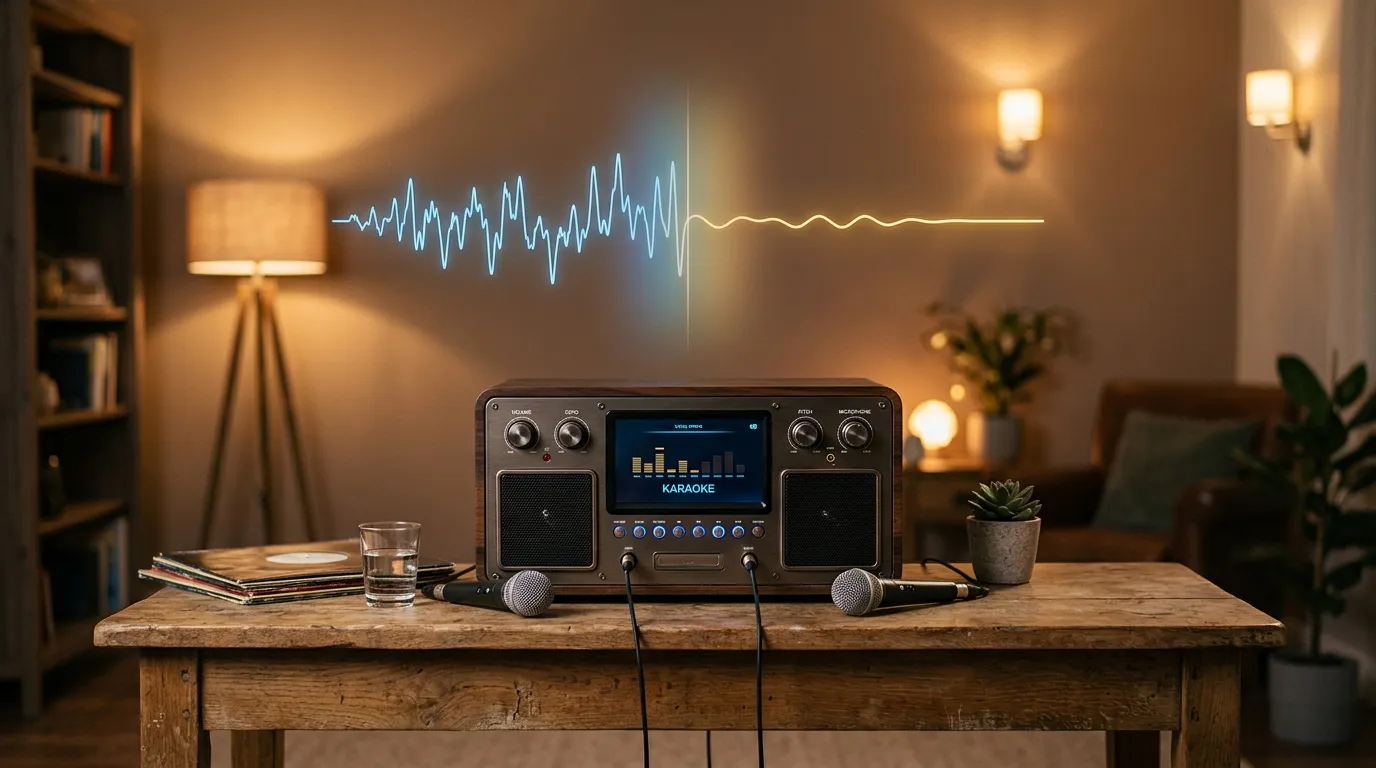
An all-in-one karaoke machine with auto-tune applies real-time digital pitch correction to the microphone signal, snapping off-key notes toward the nearest correct pitch in the selected scale. This is a simplified, hardware-embedded version of pitch correction, distinct from professional studio Auto-Tune software.
Table of Contents
This guide covers 3 attributes: the honest mechanism, how it differs from voice effects, and which machines actually include it.
For ranked product picks, see best karaoke machine. This page explains what the auto-tune attribute does and doesn’t do, not which specific model to buy.
Consumer karaoke machine auto-tune is not the same processing engine as professional Antares Auto-Tune software used in professional audio production, which offers far more granular control. A $150 karaoke machine does not deliver studio-grade vocal correction.
Auto-Tune: Pros and Cons
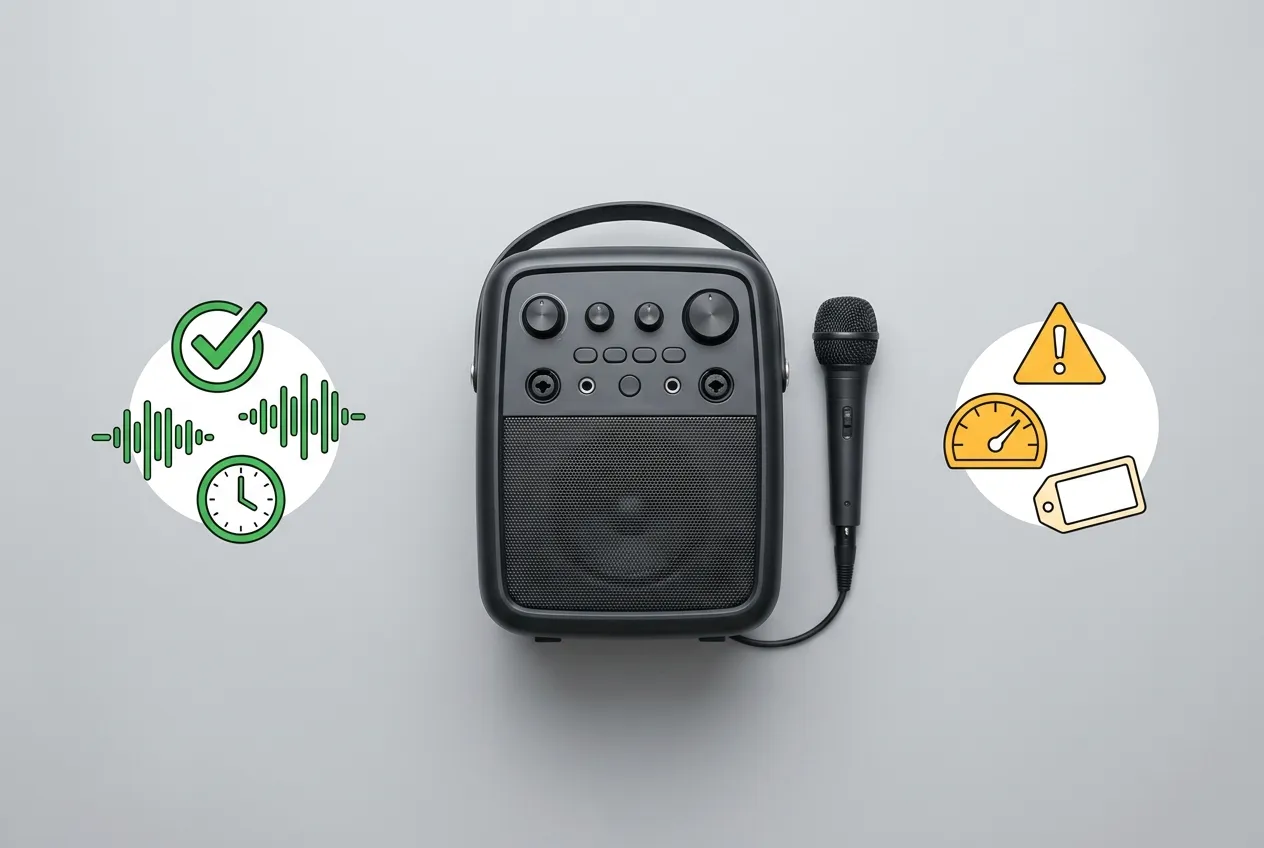
Auto-tune corrects pitch for casual users. The table below states what the feature delivers and what it does not.
| Factor | What Auto-Tune Delivers | Trade-off |
|---|---|---|
| Pitch accuracy | Snaps notes toward the nearest correct pitch | Only corrects pitch not timing, breath, or tone |
| Processing depth | Real-time hardware correction | Simplified vs professional Antares software |
| Control | 2–3 fixed strength presets on most machines | Not continuous/granular like studio tools |
| Latency | Processed before output | Adds under 20ms to the vocal signal path |
| Key accuracy | Manual key selection improves results | Wrong key selection produces audibly wrong notes |
| Cost | Noticeable improvement for casual users | Typically $20–$50 premium over comparable models |
Pros of auto-tune on a karaoke machine: noticeable pitch correction for casual users, works automatically in real time, manual key selection improves accuracy, no separate software or setup required.
Cons of auto-tune on a karaoke machine: does not fix timing, breath control, or tone quality, limited to 2–3 fixed strength settings rather than granular control, adds a small amount of latency, will not match studio-quality results.
Marketing language and actual capability diverge on this feature. The specific corrections auto-tune makes, and the aspects of performance it leaves untouched, determine whether the feature matches a buyer’s expectation.
How Auto-Tune Pitch Correction Works on a Karaoke Machine
Auto-tune on a consumer karaoke machine works by continuously analyzing the incoming microphone pitch and shifting it toward the nearest note in a selected scale, processed in real time through the machine’s built-in digital signal processor.
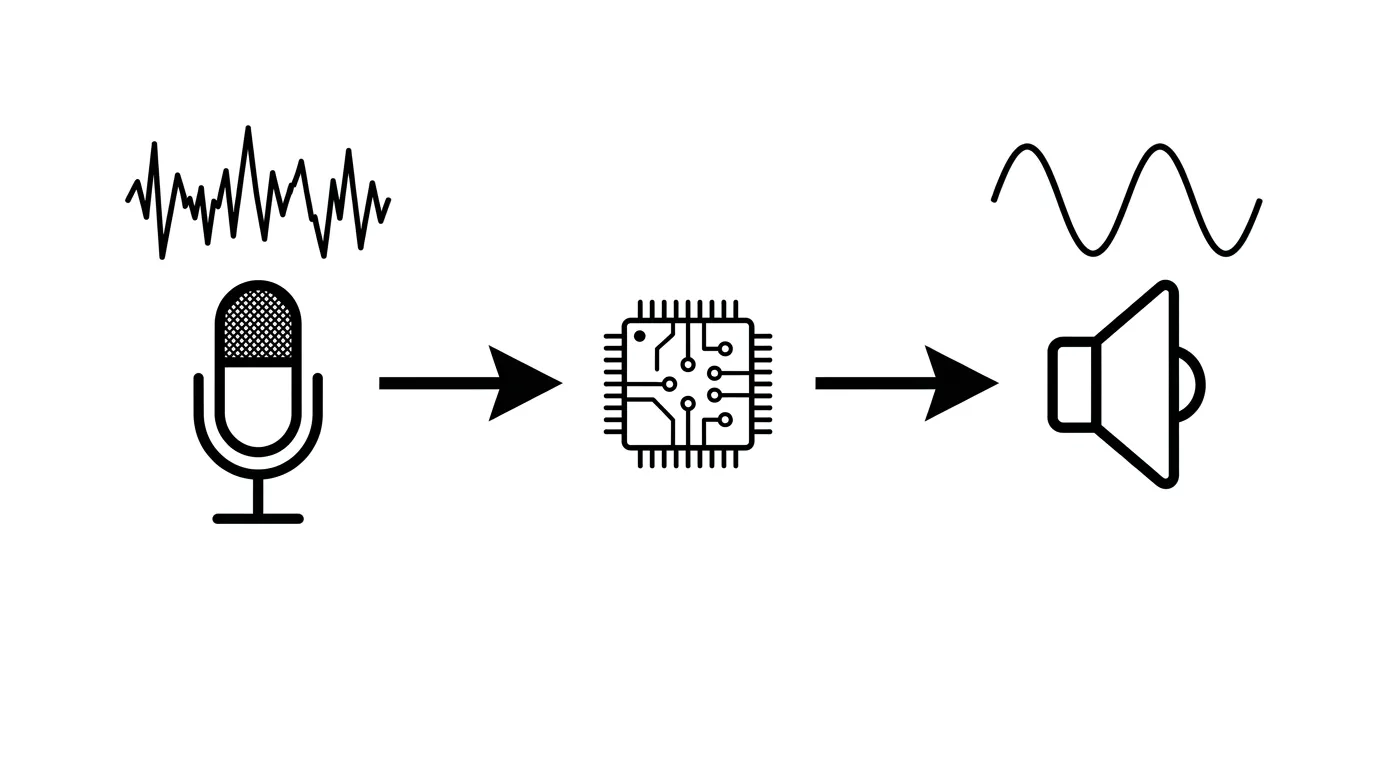
The mechanism has 3 steps. Pitch detection identifies the note currently being sung. Snap-to-scale correction shifts that note toward the nearest correct pitch in the selected scale. Output happens before the signal reaches the speaker, making the correction audible immediately.
Consumer karaoke machine auto-tune is a simplified, hardware-embedded implementation. It is not the same processing engine as professional Antares Auto-Tune software used in professional audio production, which offers far more granular control over correction speed and strength.
Professional software allows an engineer to set exactly how quickly and how strongly pitch gets corrected, producing results ranging from subtle cleanup to the deliberately robotic “auto-tune effect” heard in some professional recordings. Consumer karaoke hardware provides neither extreme only basic, functional correction.
Real-time pitch processing adds under 20ms of additional latency to the vocal signal path. This delay falls below the threshold where a human ear detects a gap between singing and hearing the result, making it imperceptible during normal singing.
The processing runs entirely on-device, inside the machine’s own digital signal processor. No internet connection or paired app is required the correction operates locally in real time, identically whether the machine is connected to Bluetooth or operating fully offline.
The correction happens without user intervention once activated. A user does not manually trigger pitch correction note by note the digital signal processor analyzes and adjusts pitch continuously for the duration of the signal being processed.
How to Turn On Auto-Tune on a Karaoke Machine
Activating auto-tune on a consumer karaoke machine typically requires 2–3 steps: locating the dedicated auto-tune or pitch-correction button or menu setting, enabling it, and setting the key to match the selected track.
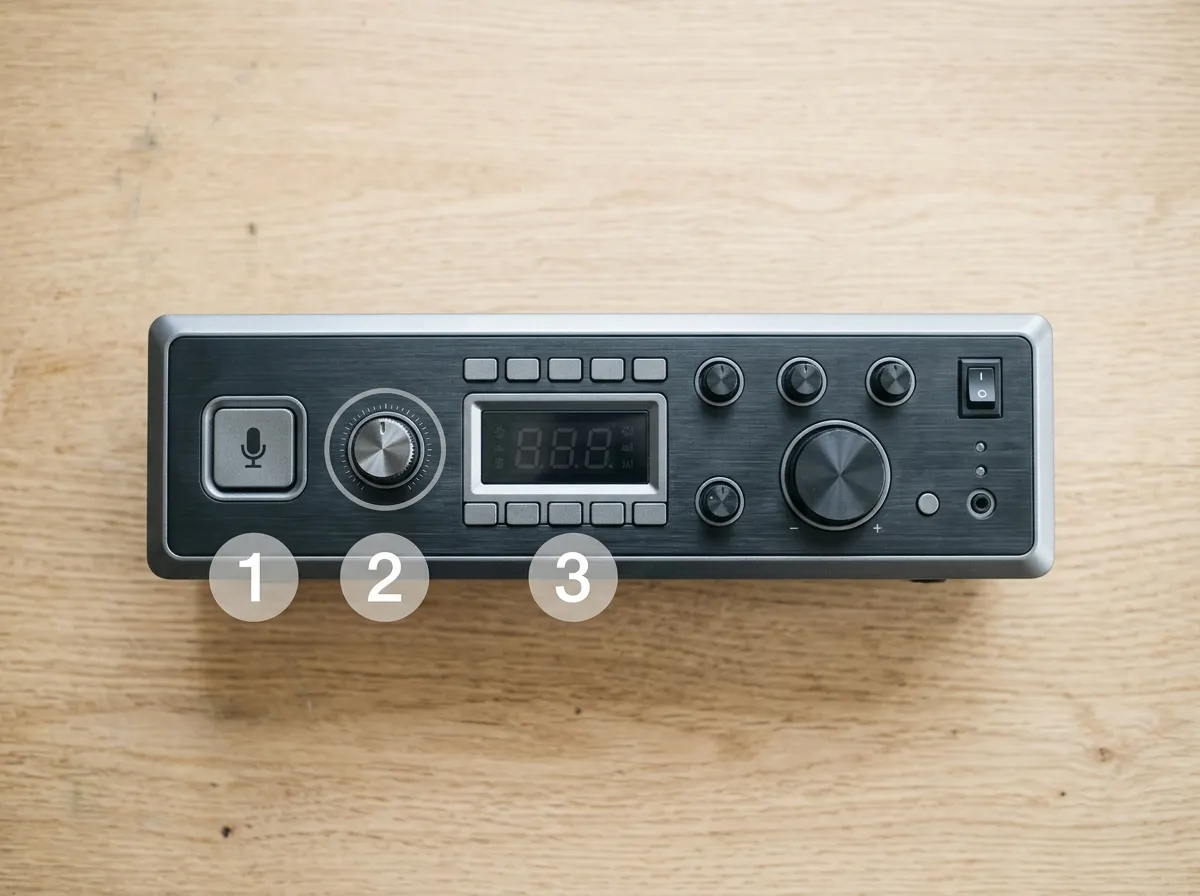
Step 1 Locate the Control
Most machines place auto-tune as a labeled physical button, a dedicated dial, or a menu item inside a broader “vocal effects” or “voice processing” settings screen. The exact location varies by manufacturer, so checking the printed manual or the machine’s on-screen menu structure is the fastest way to find it on an unfamiliar model.
Step 2 Enable the Feature
Pressing the dedicated button or selecting the menu option activates auto-tune. On machines with strength presets, this step often defaults to a medium setting, which can then be adjusted up or down as described in the correction strength section above.
Step 3 Set the Key
Setting the key to match the selected track, rather than leaving it on an automatic or default setting, produces the most accurate correction. This step is frequently skipped by first-time users, which is the most common cause of auto-tune sounding inaccurate on a first attempt.
Some machines retain the last-used key and strength settings between sessions, while others reset to default every time the machine powers off. Checking whether settings persist avoids having to reconfigure auto-tune at the start of every session.
Machines with a physical dedicated button for auto-tune tend to be faster to activate correctly than those requiring menu navigation, since a labeled button removes the ambiguity of locating the setting inside a nested menu structure. This is a worthwhile factor to check on the specification sheet for buyers who expect to toggle the feature frequently.
Auto-Tune vs Voice Effects: What’s the Difference?
Auto-tune corrects pitch toward a selected scale. Voice effects echo, reverb, robot voice, alien distortion alter the tone or character of the voice without correcting pitch accuracy.
These are 2 distinct feature categories. Auto-tune’s specific function is pitch correction only it does not change how the voice sounds tonally, only where each note lands relative to the scale.
Voice effects alter tonal character adding echo, distortion, or a robotic quality without correcting pitch accuracy. A voice processed through a robot-voice effect remains exactly as off-key as it was unprocessed.
Karaoke machines marketed with “10+ voice effects” frequently do not include true auto-tune pitch correction among those effects. A high effects count does not indicate whether pitch correction is present.
Check the specification explicitly for “pitch correction” or “auto-tune” terminology. Machines advertising effects-heavy feature lists frequently omit true pitch correction entirely, regardless of total effects count.
This distinction affects buying decisions directly. A buyer specifically seeking pitch correction gains nothing from a high voice-effects count if none of those effects perform pitch correction the specification sheet, not the effects total, determines whether the feature is present.
Key and Scale Settings for Auto-Tune
Karaoke machines with auto-tune typically allow manual key selection matching the selected key, improving correction accuracy compared to automatic scale detection alone.
Key selection determines correction accuracy directly: auto-tune correcting to the wrong key produces audibly wrong notes, even when those notes are technically “in tune” to an incorrect scale. Correction quality depends entirely on the accuracy of the reference scale.
Auto-tune has no independent knowledge of the “correct” notes for a given performance it corrects only toward the scale it has been set to. An incorrect key setting causes the system to confidently snap notes to the wrong targets.
The typical adjustment range on consumer machines is ±6 semitones, covering both key matching to a specific track and vocal range accommodation for performers whose natural range sits higher or lower than the original.
Setting the key correctly before singing, rather than relying on automatic detection alone, produces the largest single improvement in auto-tune’s real-world accuracy on a consumer machine.
Machine implementations vary: some pair key selection with a persistent on-screen display, others require navigating a settings menu each session. The accessibility of this control affects how consistently a user sets it correctly before each session.
Correction Strength and Adjustability
Consumer karaoke machine auto-tune typically offers 2–3 fixed correction strength settings light, medium, and strong rather than the continuous, granular strength control found in professional Auto-Tune software.
Strength determines how quickly and forcefully pitch is snapped to the nearest correct note. Light settings preserve more natural vocal character, allowing small pitch variations to remain audible. Strong settings produce a more obviously processed sound, snapping notes more aggressively and quickly.
Professional software provides continuous strength and speed parameters rather than 2–3 presets, enabling results ranging from imperceptible cleanup to the deliberate robotic effect associated with certain recorded vocal styles. Consumer hardware does not offer that range.
A machine offering only an on/off toggle, with no strength adjustment, provides less flexibility than one with multiple strength presets. Buyers wanting control over how processed their voice sounds should check for this specification explicitly.
Confirming whether a machine lists strength or intensity settings, rather than a single on/off auto-tune toggle, is a specification worth checking before purchase.
Which Karaoke Machines Include Auto-Tune
Auto-tune or pitch correction is available on select mid-range and premium karaoke machines, typically as part of a broader voice-processing feature set rather than a standalone selling point.
Select JYX and iKarao models offer pitch-shift or key-change functions bundled with their voice effects suite. See JYX karaoke machine and iKarao karaoke machine for details on which specific models include this functionality.
Machines including genuine real-time pitch correction typically carry a $20–$50 premium over otherwise-comparable models without the feature. This premium reflects the additional digital signal processing hardware required, not a marketing distinction alone.
Auto-tune presence is not consistently disclosed as a headline spec. Checking the detailed specification sheet, rather than the marketing summary, confirms whether a specific model includes true pitch correction.
Product listings that mention “pitch shift” or “key change” without the term “auto-tune” often still describe genuine pitch correction functionality. Terminology varies across manufacturers, so checking for the underlying function not a single fixed term produces a more reliable result.
Common Auto-Tune Problems and Fixes
Auto-tune on a karaoke machine most often fails in 3 ways: no audible correction occurring, correction sounding obviously wrong, or correction cutting in and out inconsistently.
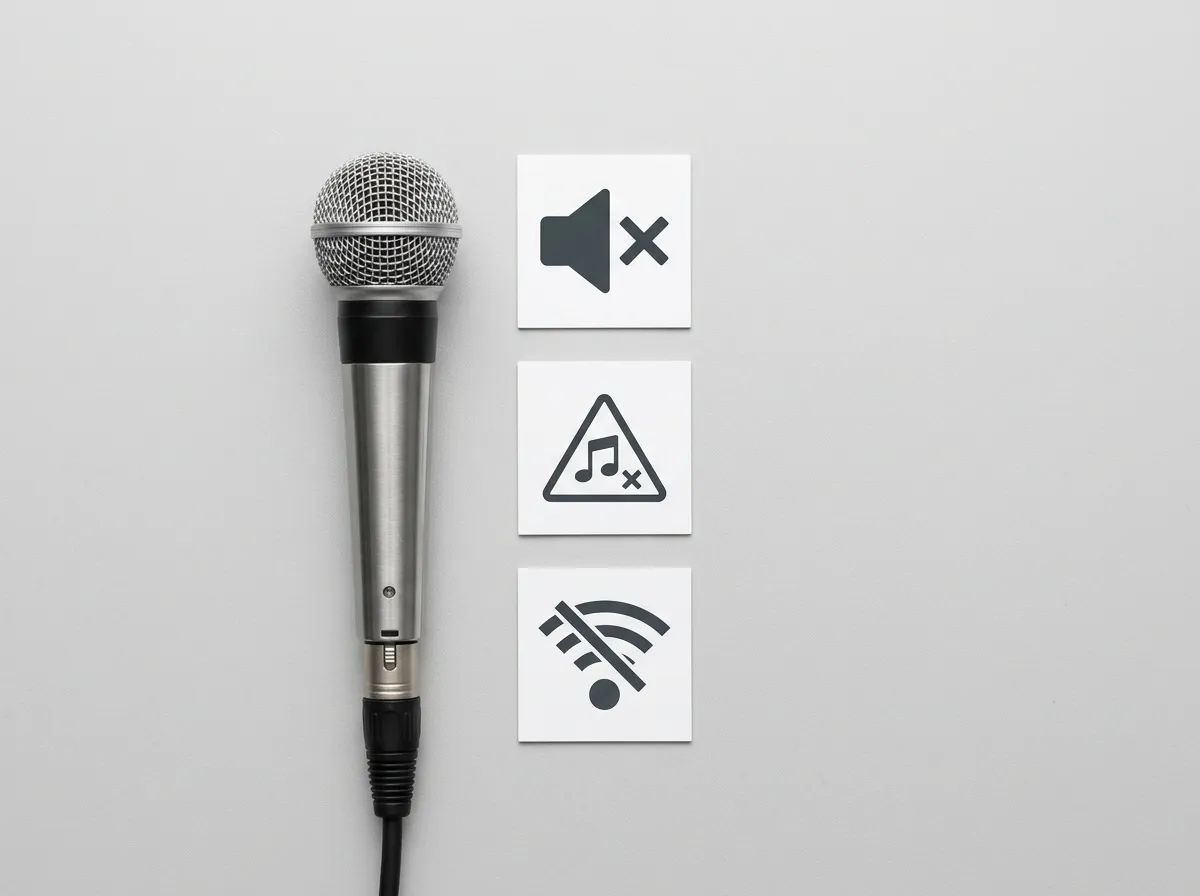
No Audible Correction
The most common cause is the feature simply not being enabled auto-tune typically defaults to off and requires activation through the dedicated button or menu setting described above. Confirming the feature is switched on, not just present on the machine, resolves most cases.
A second cause is microphone input level. Auto-tune’s pitch detection requires a sufficiently strong input signal to analyze accurately; a microphone volume set too low can prevent the digital signal processor from detecting pitch reliably, even with the feature enabled.
Correction Sounds Obviously Wrong
This almost always traces back to an incorrect key setting. As covered above, auto-tune corrects toward whichever key it has been set to, not the key a track is actually in a mismatch produces confidently wrong notes rather than no correction at all.
Re-checking and resetting the key to match the selected track resolves this in the large majority of cases. If the correct key still produces poor results, the correction strength setting may be set too high for the input, producing an overly processed, artificial-sounding output.
Correction Cuts In and Out
Inconsistent correction is typically a pitch-detection issue rather than a setting issue. Background noise, a microphone positioned too far from the mouth, or a very quiet vocal input can cause the digital signal processor to lose and regain a stable pitch reading.
Moving the microphone closer and maintaining consistent input volume gives the pitch-detection algorithm a cleaner signal to work with, which typically resolves intermittent correction without needing to adjust any auto-tune-specific setting.
If none of these fixes resolve the issue, the underlying cause is more likely a hardware fault in the microphone or digital signal processor than a setting that needs adjusting. At that point, testing with a different microphone on the same machine helps isolate whether the fault lies with the microphone or the processing hardware itself.
Frequently Asked Questions
Does a karaoke machine with auto-tune actually work?
Yes, within limits. Consumer karaoke machine auto-tune applies real-time pitch correction, snapping off-key notes toward the nearest note in a selected scale. It is a simplified, hardware-embedded implementation not the same engine as professional Antares Auto-Tune software, which offers far more granular control. It provides noticeable correction for casual users but won’t match studio-quality results.
What is the difference between auto-tune and voice effects on a karaoke machine?
Auto-tune corrects pitch toward a selected scale. Voice effects (echo, reverb, robot voice, alien distortion) alter vocal tone or character without correcting pitch accuracy. A machine advertising “10+ voice effects” does not necessarily include true pitch correction check the specification explicitly for “pitch correction” or “auto-tune” terminology, as these are separate feature categories.
Do I need to select a key for auto-tune to work?
Most karaoke machines with auto-tune allow manual key selection matching the selected key, which improves correction accuracy compared to automatic scale detection alone. If the machine corrects to the wrong key, notes will sound audibly wrong even though they are technically “in tune” to an incorrect scale. Typical adjustment range is ±6 semitones.
Which karaoke machines have auto-tune?
Auto-tune or comparable pitch-correction functionality is available on select mid-range and premium karaoke machines, typically bundled within a broader voice-processing feature set rather than marketed standalone. Machines including genuine real-time correction typically carry a $20–$50 premium over comparable models without it. Check the model’s specification sheet for “pitch correction” terminology.
Does auto-tune add delay to the microphone?
Yes, a small amount. Real-time pitch correction processing adds approximately under 20ms of additional latency to the vocal signal path as the machine analyzes and adjusts pitch before output. This is generally imperceptible during normal singing but is worth noting for latency-sensitive performers.
Is karaoke machine auto-tune the same as professional Auto-Tune?
No. Consumer karaoke machine auto-tune is a simplified, hardware-embedded pitch correction implementation. Professional Auto-Tune (the Antares software used in professional audio production) offers significantly more granular control over correction speed, strength, and formant preservation. Karaoke machine auto-tune provides basic real-time correction suitable for casual use, not studio-grade vocal production.
Can auto-tune fix a bad performance completely?
No. Auto-tune corrects pitch accuracy it snaps notes toward the nearest correct pitch but it does not fix timing, breath control, tone quality, or other aspects of vocal performance. A performance significantly off-key will still sound processed and unnatural even with correction applied, rather than sounding like an in-tune performance.
Is auto-tune worth paying extra for on a karaoke machine?
It depends on priority. Genuine pitch correction typically adds $20–$50 to a machine’s price. For casual home use where enjoyment matters more than vocal accuracy, this premium is often unnecessary most karaoke enjoyment does not depend on pitch-perfect output. For buyers specifically wanting a more forgiving singing experience for less confident vocalists, the feature adds genuine value.
Quick Reference
| Attribute | Consumer Karaoke Auto-Tune | Professional Auto-Tune (Antares) |
|---|---|---|
| Control | 2–3 fixed strength presets | Continuous, granular control |
| Latency | Under 20ms | Studio-dependent, typically negligible |
| Key range | ±6 semitones | Fully configurable |
| Cost | $20–$50 premium on the machine | Separate professional software license |
| Best for | Casual users, forgiving playback | Studio production, deliberate vocal effects |
| Feature | Function | Does It Correct Pitch? |
|---|---|---|
| Auto-tune / pitch correction | Snaps notes toward nearest correct pitch in scale | Yes |
| Voice effects (echo, reverb, robot voice) | Alters vocal tone or character | No |
Glossary
Auto-Tune (Consumer Karaoke) Real-time digital pitch correction embedded in karaoke machine hardware, snapping off-key vocal notes toward the nearest correct pitch in a selected scale. Simplified compared to professional studio software.
Professional Auto-Tune (Antares) Studio-grade pitch correction software used in professional audio production, offering granular control over correction speed, strength, and formant preservation.
Pitch Correction The general technical term for auto-tune-style processing: analyzing and adjusting vocal pitch toward a target note or scale in real time.
Key/Scale Selection A manual setting matching the auto-tune correction target to the selected key, improving correction accuracy over automatic detection alone. Typical range: ±6 semitones.
Voice Effects Audio processing that alters vocal tone or character (echo, reverb, robot voice) without correcting pitch a distinct feature category from auto-tune/pitch correction.
Correction Strength A setting controlling how quickly and forcefully pitch is snapped to the nearest correct note. Consumer machines typically offer 2–3 fixed presets rather than continuous control.