IKARAO MICBOX PRO Review: Features, Compatibility & Specs
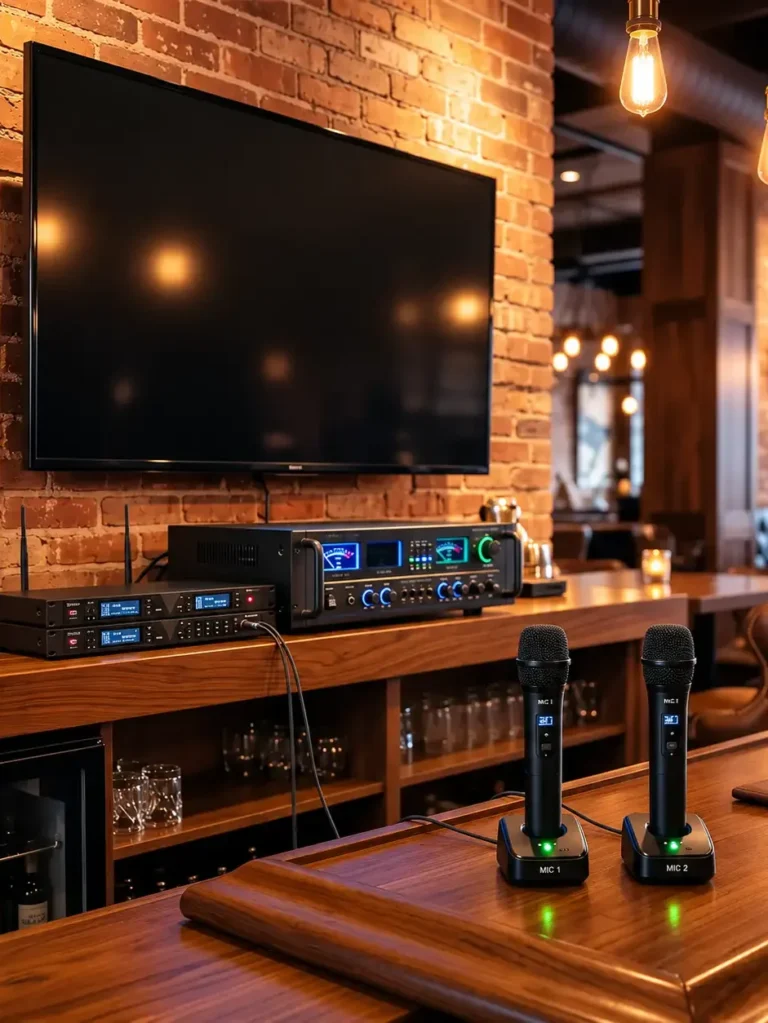
The IKARAO MICBOX PRO is a two-microphone wireless system designed for people who already have a compatible karaoke machine, PA speaker, amplifier, mixer, audio interface, or other sound system and want to add wireless microphones.
Table of Contents
It is not an all-in-one karaoke machine. There is no built-in speaker or touchscreen. Instead, two handheld microphones communicate with an included rechargeable receiver, and that receiver plugs into compatible equipment through a 6.35mm or 3.5mm input.
IKARAO currently specifies a dual-channel 2.4GHz wireless connection, up to 20 hours of battery life per microphone, up to 8 hours for the receiver, and a manufacturer-rated wireless range of up to 100 ft/30 m. The package also includes a storage case with an automatic 60-second UV-C sanitizing cycle.
The biggest question before buying is compatibility. IKARAO explicitly says the MICBOX PRO is intended for compatible audio equipment with suitable microphone inputs and is not designed for direct connection to phones, tablets, or TVs.
Research note: This review is based on IKARAO’s current product specifications and official MICBOX PRO manual rather than physical hands-on testing. Manufacturer range, runtime, and performance figures should be treated as published specifications rather than independent measurements.
IKARAO MICBOX PRO at a Glance
| Specification | IKARAO MICBOX PRO |
|---|---|
| Microphones included | 2 |
| Microphone design | Dynamic |
| Pickup pattern | Cardioid |
| Capsule | 30 mm |
| Wireless connection | Dual-channel 2.4GHz |
| Manufacturer-rated range | Up to 100 ft/30 m |
| Microphone battery | 1500 mAh rechargeable |
| Manufacturer-rated mic runtime | Up to 20 hours each |
| Receiver runtime | Up to 8 hours |
| Receiver connections | 6.35mm and 3.5mm |
| Bluetooth pairing required | No |
| App required | No |
| UV-C cycle | 60 seconds |
| SNR | Manufacturer states >75 dB |
| Distortion | Manufacturer states <1% |
| Waterproof | No |
| US price | $159.99 when checked October 2026 |
| Warranty | 1 year |
IKARAO currently lists the MICBOX PRO at $159.99 in the US. Pricing can change, so that figure should be treated as date-specific rather than permanent.
What Is the IKARAO MICBOX PRO?
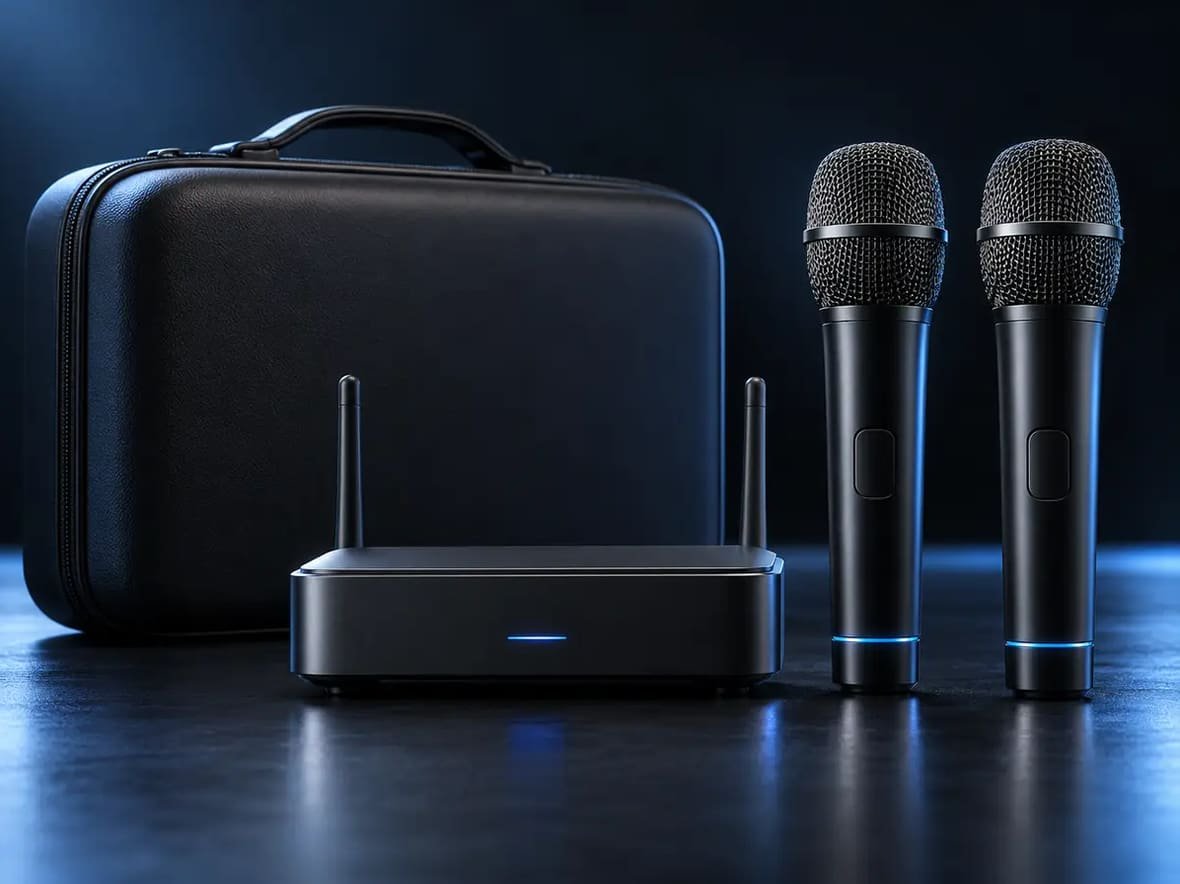
The MICBOX PRO is essentially a complete wireless microphone add-on system.
The signal path is:
two wireless microphones → MICBOX PRO receiver → compatible audio equipment
This is different from the microphones supplied with an iKarao Break or Shell machine, which are designed around their associated karaoke system.
The MICBOX PRO has its own receiver, its own controls, and its own connection requirements.
IKARAO’s official manual lists the primary package components as the storage case, wireless microphones, wireless receiver, USB Type-C cable, manual, and warranty card. The retail page also currently lists three AAA batteries among the box contents, creating a small difference between the product-page listing and the PDF manual.
That package discrepancy is worth noting rather than assuming every regional or production package contains identical accessories.
How Much Does the IKARAO MICBOX PRO Cost?
IKARAO’s US product page listed the MICBOX PRO at $159.99 when checked in October 2026.
Whether that represents good value depends heavily on what you already own.
If you already have a compatible speaker, mixer, or karaoke system and simply need two wireless microphones, the package combines the microphones, rechargeable receiver, and storage case in one system.
If you still need a speaker and playback device, however, buying MICBOX PRO alone will not give you a complete karaoke setup.
MICBOX PRO User Manual
You can read the official MICBOX PRO user manual below, or download the PDF to keep offline.
Two Wireless Microphones With a Dedicated Receiver
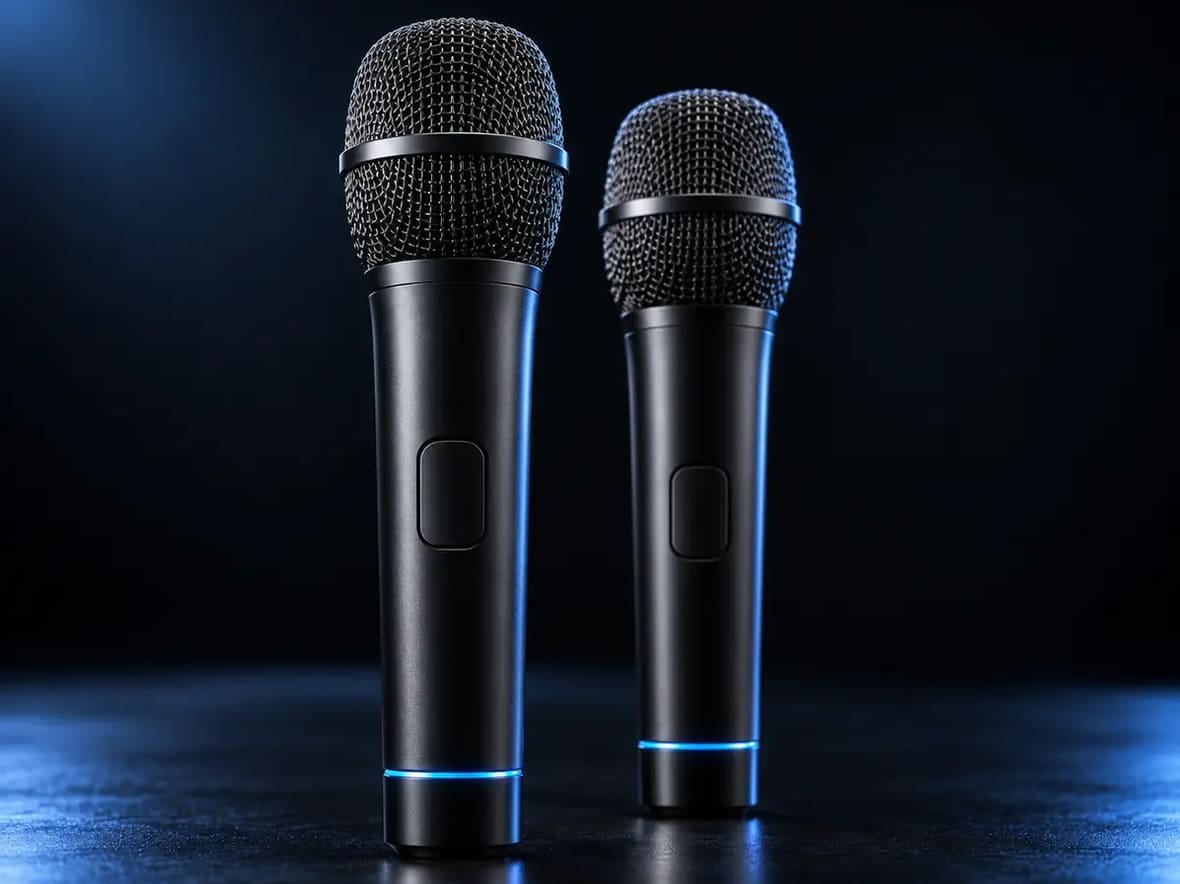
The system includes two handheld wireless microphones and a dual-channel receiver.
IKARAO identifies the wireless architecture as 2.4GHz, with no normal Bluetooth pairing or companion app required.
That distinction matters because 2.4GHz wireless and Bluetooth are not interchangeable terms.
With the MICBOX PRO, the microphones communicate with the included receiver. The receiver then connects physically to the sound system.
That means the intended workflow is not:
microphone → phone Bluetooth menu
It is:
microphone → MICBOX PRO receiver → compatible microphone/audio input
IKARAO describes the wireless transmission as low-latency, but it does not publish a numerical latency measurement on the current product page. For that reason, it would be misleading to assign a specific millisecond figure or call the system “zero latency.”
30mm Cardioid Dynamic Microphones
IKARAO specifies a 30mm dynamic capsule with a cardioid pickup pattern.
The manufacturer also publishes:
- signal-to-noise ratio above 75 dB;
- distortion below 1%.
IKARAO says the cardioid design is intended to prioritize the vocal source while helping reduce unwanted background pickup.
These specifications help describe the microphone design, but they are not a substitute for independent acoustic measurements.
A cardioid microphone does not completely eliminate background sound, and an SNR or distortion figure alone does not tell you exactly how the microphone will sound through a particular speaker, mixer, room, or EQ setting.
Handling-Noise Reduction
IKARAO also advertises DSP-based processing designed to reduce physical vibration and friction noise when the microphones are moved or passed between users.
That is potentially useful for group events where the microphones change hands frequently.
The cautious interpretation, however, is that the system is designed to reduce handling noise.
It should not be described as completely eliminating thumps, bumps, or contact noise without independent measurements.
How Does the MICBOX PRO Connect?
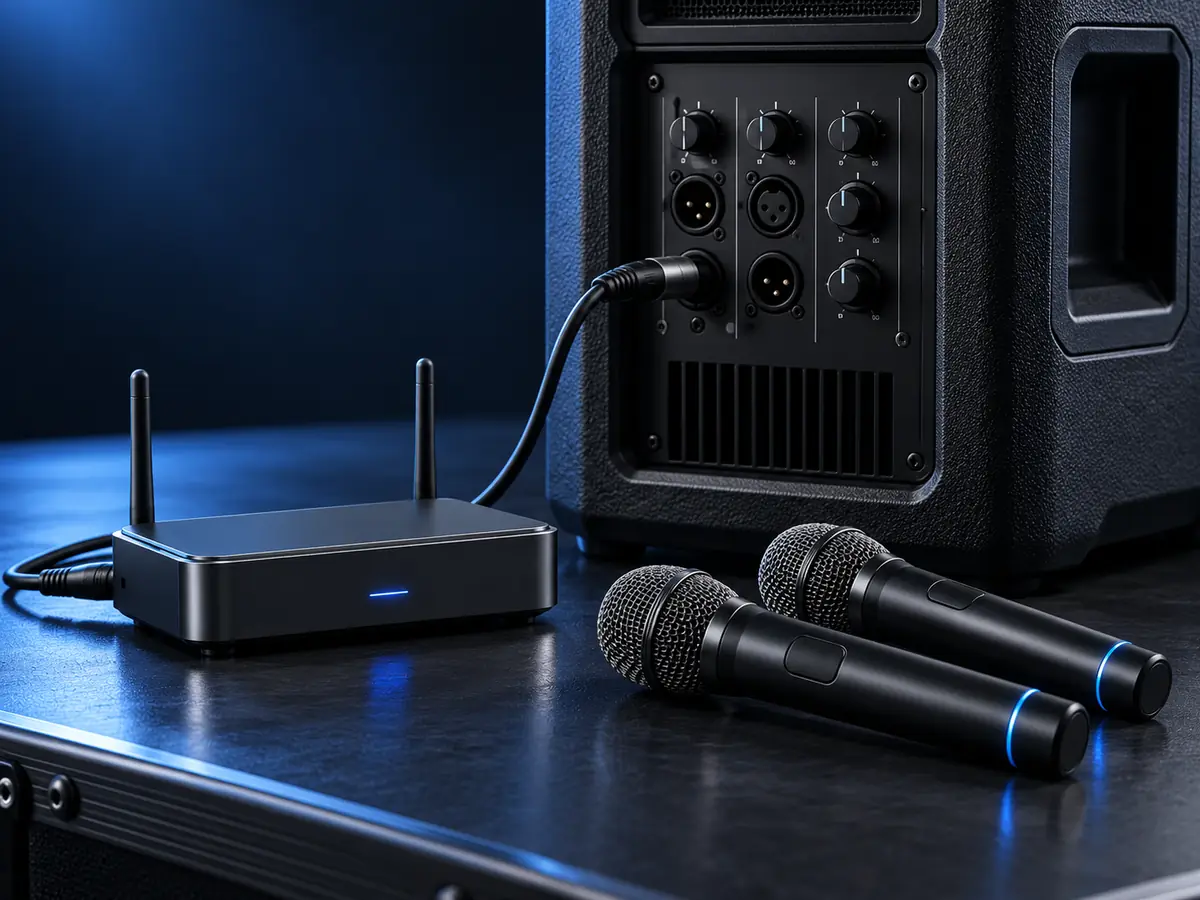
The receiver is one of the most important parts of the system.
IKARAO currently specifies both:
6.35mm/1/4-inch
and
3.5mm/1/8-inch
connection options.
The manual also specifically warns users to connect the receiver to the correct port to avoid device malfunction. Its receiver diagram distinguishes appropriate connection types from ports such as outputs and headphone connections.
That means you should not simply plug the receiver into any socket that happens to fit.
For example, a 3.5mm headphone output is not automatically an appropriate destination for a microphone receiver simply because the connector size is the same.
Check the labeling and manual for the device you want to use.
What Devices Are Compatible With MICBOX PRO?
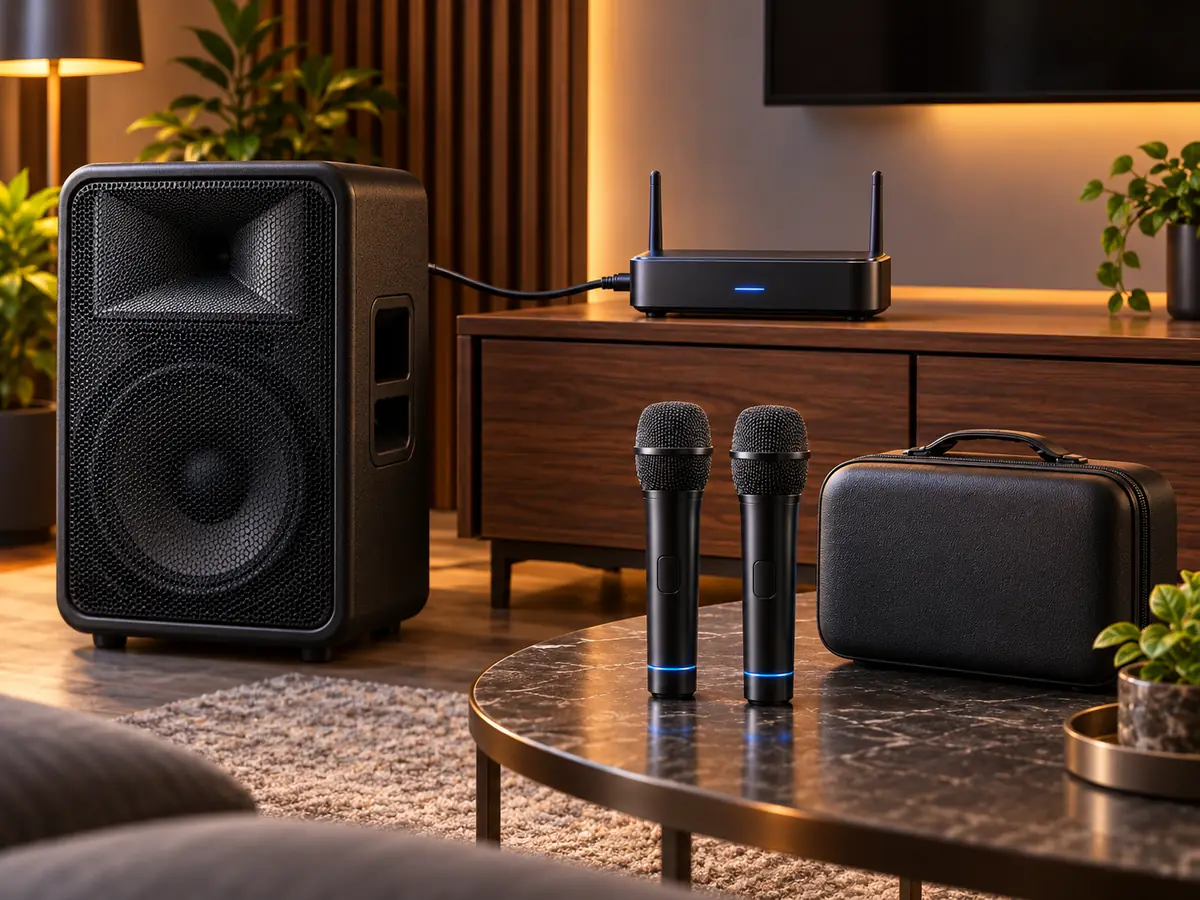
IKARAO currently lists compatibility with appropriately equipped:
- karaoke machines;
- PA speakers;
- amplifiers;
- mixers;
- audio interfaces;
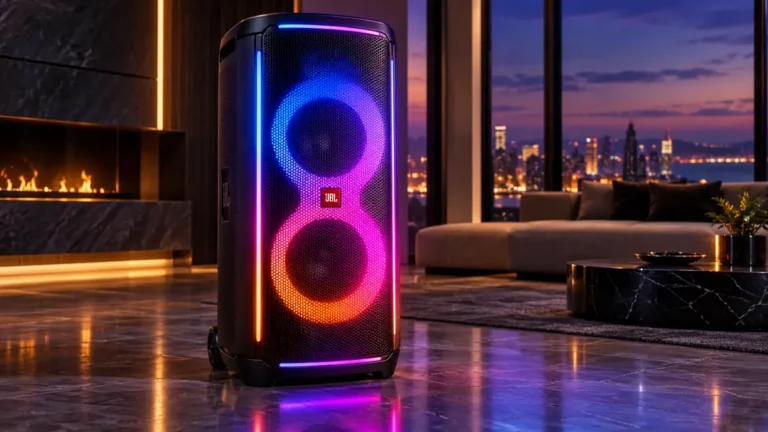
- JBL PartyBox speakers;
- DJ equipment.
The key qualification is that the receiving device needs a compatible 6.35mm or 3.5mm microphone input.
Compatibility should therefore be checked by exact device rather than brand alone.
For example, IKARAO mentions JBL PartyBox in its compatibility information, but that should not be interpreted as proof that every PartyBox model ever released has the same microphone inputs.
Check the connector arrangement of your specific speaker.
Does MICBOX PRO Work With a Phone?
IKARAO currently says no direct phone compatibility.
That makes sense given the system architecture.
The microphone signal is designed to pass through its dedicated receiver into compatible external audio equipment rather than connect like a Bluetooth headset or conventional phone accessory.
Avoid buying the system under the assumption that the microphones will appear in an iPhone or Android Bluetooth menu.
Does MICBOX PRO Work With a Tablet?
IKARAO also lists tablets among the devices that are not directly compatible with the MICBOX PRO.
Again, the intended host is compatible audio equipment with the appropriate receiver input.
Can MICBOX PRO Connect Directly to a TV?
IKARAO’s current compatibility information says the system is not intended for direct TV connection.
That does not mean you cannot use MICBOX PRO in a setup that also contains a television.
For example, a TV could handle visual output while a separate compatible karaoke machine, mixer, or speaker handles the microphones.
The distinction is that the MICBOX PRO receiver itself needs an appropriate audio input rather than being treated as a TV microphone accessory.
Does MICBOX PRO Use Bluetooth?
No normal Bluetooth pairing is required.
The microphones use a dedicated 2.4GHz wireless connection to the receiver, while the receiver plugs into the host audio equipment.
This is worth emphasizing because “2.4GHz wireless” is sometimes incorrectly used as a synonym for Bluetooth.
Bluetooth can operate in the 2.4GHz spectrum, but not every 2.4GHz wireless product uses Bluetooth.
The MICBOX PRO documentation describes a receiver-based system.
What Is the MICBOX PRO Wireless Range?
IKARAO advertises an operating distance of up to 100 ft/30 m.
The official manual adds an important qualification: walls, metal objects, interference, and excessive distance can reduce the usable connection range.
So the useful interpretation is:
IKARAO rates MICBOX PRO for around 100 ft/30 m under suitable conditions, but actual range depends on the environment.
Do not treat 100 ft as a guaranteed indoor range through walls or around substantial obstacles.
MICBOX PRO Battery Life
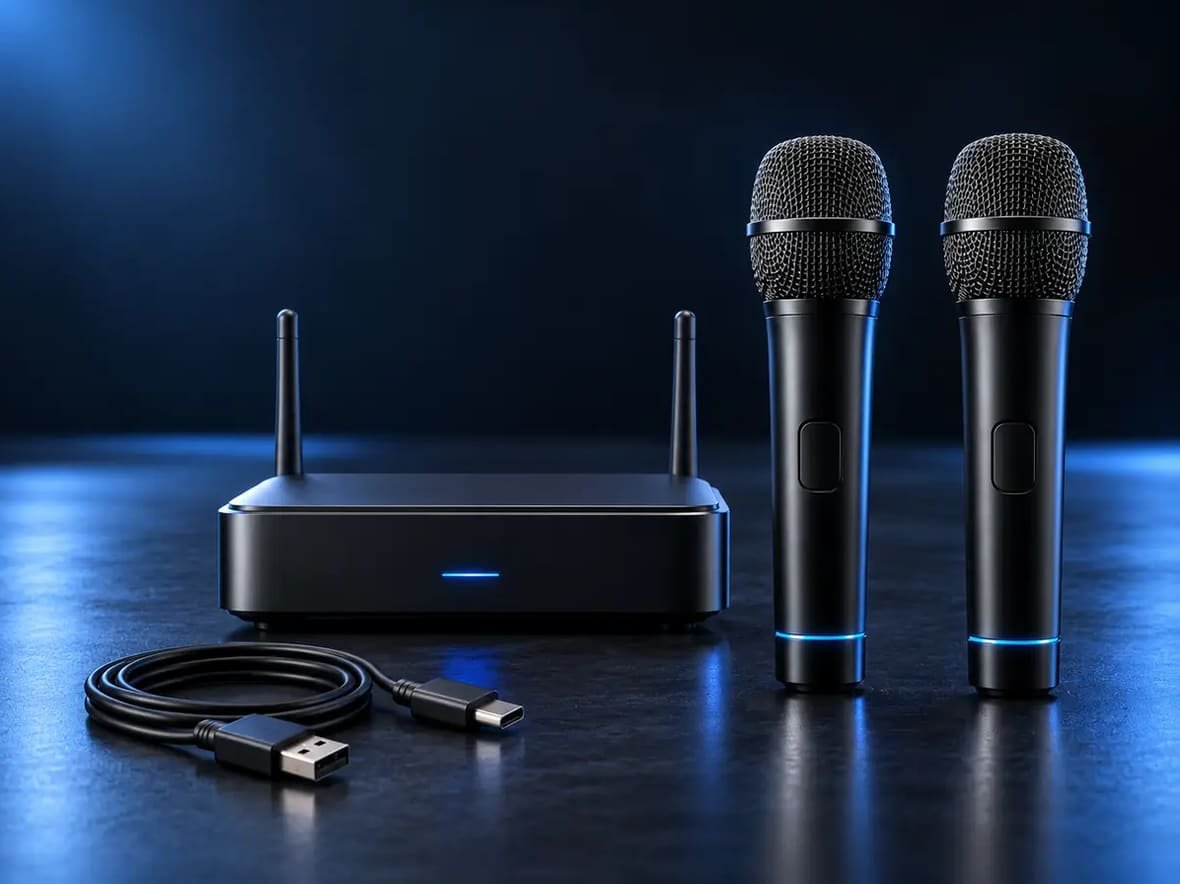
There are two different battery figures to keep separate.
Microphone Battery
Each microphone contains a 1500mAh rechargeable battery, with IKARAO claiming up to 20 hours of continuous use.
Receiver Battery
The rechargeable receiver is rated for up to 8 hours of operation.
This distinction is important.
The microphones may be rated for 20 hours, but the receiver’s published runtime is considerably shorter. Because the receiver is necessary for the microphones to feed the connected sound system, it may become the practical battery constraint during longer cordless sessions.
The receiver charges through USB Type-C, according to the official manual.
MICBOX PRO Microphone Controls
The official manual documents several controls directly on each microphone.
Holding the power button for 2 seconds switches the microphone on or off.
Double-pressing the power button controls mute/unmute.
Pressing the volume control changes the level by one step, while holding it continuously adjusts volume.
The microphone also uses indicator lights to communicate status.
According to the manual:
| Microphone status | Indicator |
|---|---|
| Pairing | White flashing |
| Muted | White breathing |
| Charging | Red flashing |
| Fully charged | Red off |
| Connected | White light on |
| Battery below 20% | Red light on |
These documented indicators are especially useful when troubleshooting because they help separate pairing, charging, muting, and low-battery problems.
Receiver Controls and Indicator Lights
The receiver has its own power and battery behavior.
The manual says to hold its power control for 2 seconds to switch it on or off.
It also documents:
- red flashing for low battery;
- red breathing while charging;
- white on with red off when fully charged;
- automatic shutdown after 15 minutes when unconnected.
Do not assume the microphone and receiver use identical light patterns.
They are related parts of one system but have different indicator logic.
How to Set Up the IKARAO MICBOX PRO
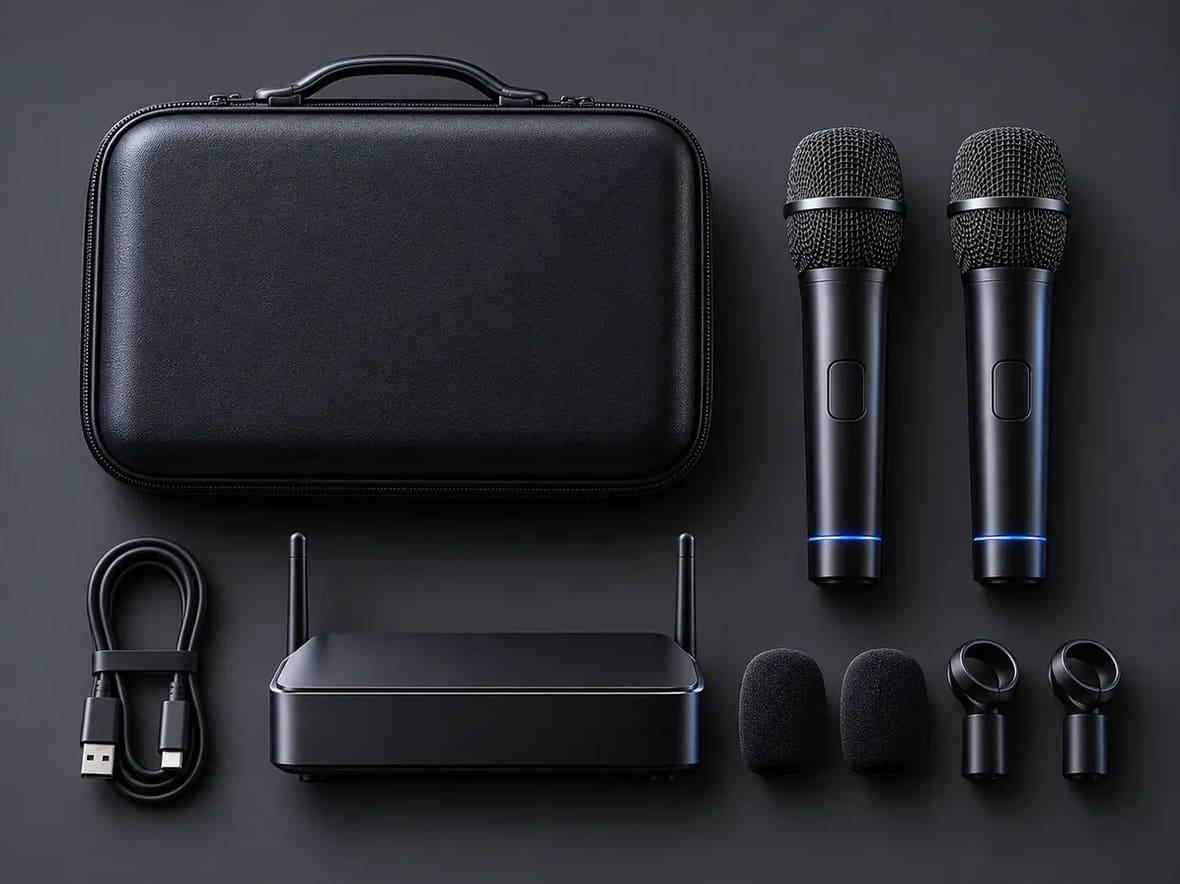
First-time setup is relatively simple according to the official manual.
Hold the receiver and microphone power buttons for 2 seconds. The system is paired when the microphone’s white light remains on. Then connect the receiver to the appropriate input on the audio device.
The basic signal chain is:
MICBOX PRO microphone → receiver → compatible speaker/mixer/karaoke system
The manual also says a microphone will automatically power off after approximately 10 minutes if it remains unpaired.
You do not need to search for the microphone in a normal Bluetooth device list.
Does MICBOX PRO Pair Automatically?
The system’s own first-use procedure is designed to establish the microphone-to-receiver link after both devices are powered.
The manual says pairing is complete when the white indicator stays on.
It is better to describe that behavior specifically than to generalize it into a rule such as:
“All 2.4GHz microphones pair automatically.”
Different wireless systems use different connection methods.
What If a MICBOX PRO Microphone Disconnects?
The manual gives a simple troubleshooting order before attempting more advanced rebinding.
First, move the microphone closer to the receiver.
Then restart the microphone and receiver.
IKARAO also notes that excessive distance or obstacles can cause the connection to drop.
That makes the sensible diagnostic sequence:
distance/obstacles → restart → retest → rebind only if necessary
How to Rebind the MICBOX PRO
Rebinding is not intended to be part of normal everyday setup.
IKARAO says it is primarily required when:
- the receiver has been replaced;
- pairing fails;
- the system has undergone service repair.
The manual’s rebinding procedure instructs the user to press the power button five times quickly within 10 seconds after boot.
Because that timing comes directly from the manufacturer manual, it can be followed when rebinding is genuinely necessary.
For an ordinary temporary disconnect, however, IKARAO recommends moving closer and restarting the microphone and receiver first.
How the UV-C Storage Case Works
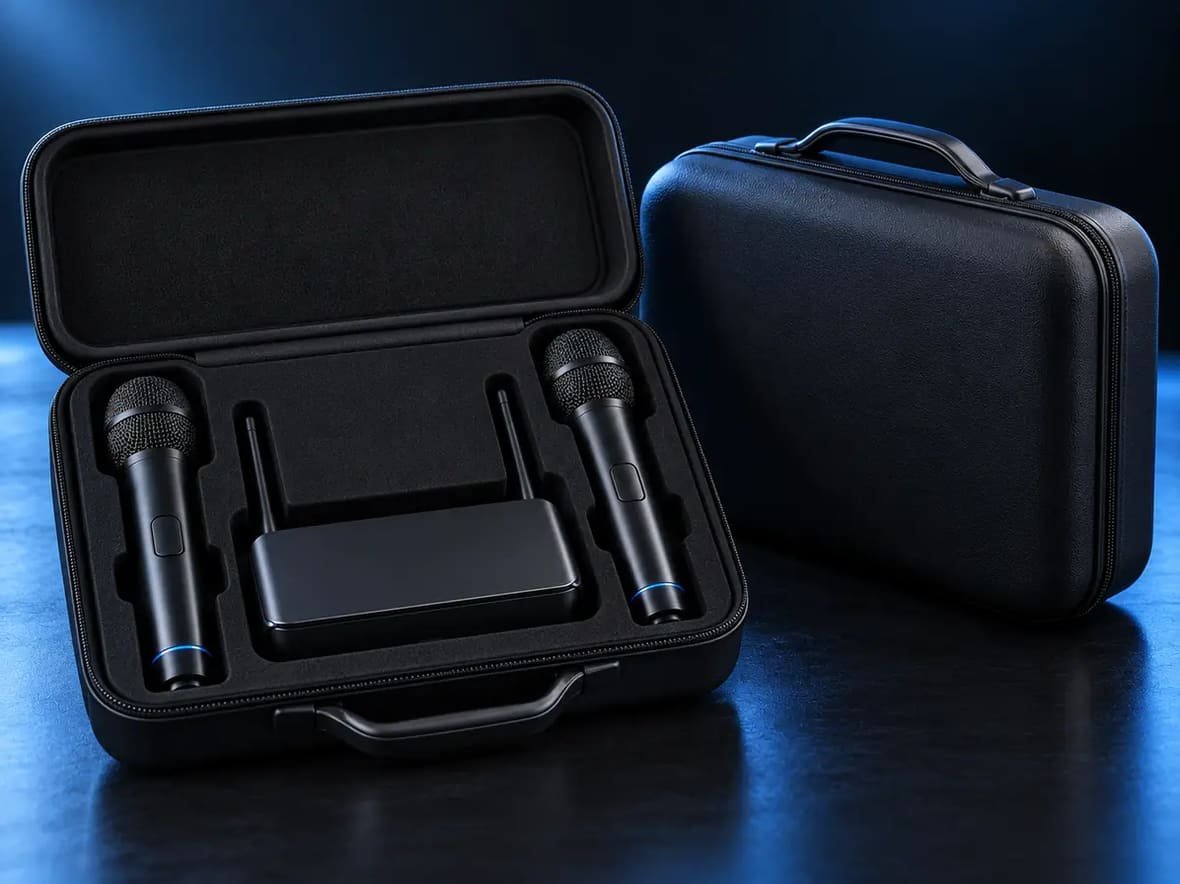
The storage case is arguably the MICBOX PRO’s most distinctive feature.
The official manual calls it a sanitizing storage case and provides a specific process:
Place both microphones inside, close the lid, and the sanitizing cycle starts automatically. The cycle runs for 60 seconds. Opening the lid stops the cycle, and closing it starts the process again.
IKARAO’s retail page markets this as a UV self-cleaning storage case.
For editorial accuracy, it is better to describe it as a UV-C sanitizing cycle rather than making stronger medical claims.
The available documentation does not establish claims such as:
- complete sterilization;
- removal of every microorganism;
- hospital-grade sterilization;
- a specific percentage of pathogen reduction.
Without validated efficacy data, those would go beyond what the manual supports.
UV-C Safety Matters
The official manual includes explicit safety warnings for the case.
It says users should not look directly at the UV-C light or expose skin to it, and the UV function should be operated with the lid closed.
That warning is important because the sanitizing feature should not be treated like an ordinary decorative light.
Use the case as instructed rather than defeating its lid protection or attempting to operate the UV source while exposed.
Is the MICBOX PRO Waterproof?
No.
The official manual specifically says the MICBOX PRO is not waterproof and should be kept away from rain, splashes, and humidity.
That matters because IKARAO markets the system for events, parties, presentations, and other situations that can sometimes take place outdoors.
Outdoor use and weatherproof use are not the same thing.
If the system is used outdoors, it still needs protection from moisture.
What Is MICBOX PRO Designed For?
IKARAO markets the system for applications including karaoke, parties, live events, presentations, and worship services.
Based on the manufacturer’s stated compatibility, it is potentially relevant for users who already have:
- a compatible home karaoke system;
- a PA speaker;
- an amplifier;
- a mixer;
- an audio interface;
- suitable DJ equipment;
- a compatible PartyBox-type speaker with the necessary input.
The word compatible matters throughout.
Connector type and input function should be checked before purchasing.
Who Is the MICBOX PRO Best Suited To?
The clearest fit is someone who already owns compatible sound equipment and needs a convenient two-microphone wireless system.
Its specification-based strengths include having two rechargeable microphones, physical mute and volume controls, a dedicated rechargeable receiver, both 6.35mm and 3.5mm connection options, and no normal Bluetooth or app setup. The UV-C storage case adds an unusual hygiene/storage feature.
It is less suitable if you specifically need:
- direct phone connection;
- direct tablet connection;
- direct TV connection;
- documented waterproofing;
- a receiver with documented XLR output;
- more than two included wireless microphones.
Those limitations are less about product quality than matching the system to the intended setup.
MICBOX PRO Pros and Cons
| Potential advantages | Potential limitations |
|---|---|
| Two wireless microphones included | Direct phone/tablet/TV compatibility not supported |
| Rechargeable 1500mAh mic batteries | Receiver runtime is shorter than mic runtime |
| Up to 20h manufacturer-rated mic runtime | Actual wireless range varies by environment |
| Up to 8h receiver runtime | Not waterproof |
| 6.35mm and 3.5mm receiver options | No documented XLR receiver output |
| No normal Bluetooth pairing required | Host device still needs compatible input |
| Physical mute and volume controls | UV-C feature should not be treated as medical sterilization |
| 60-second sanitizing cycle | Two-mic system rather than expandable multi-channel platform |
| Manufacturer-rated 100ft/30m range | Compatibility must be checked model by model |
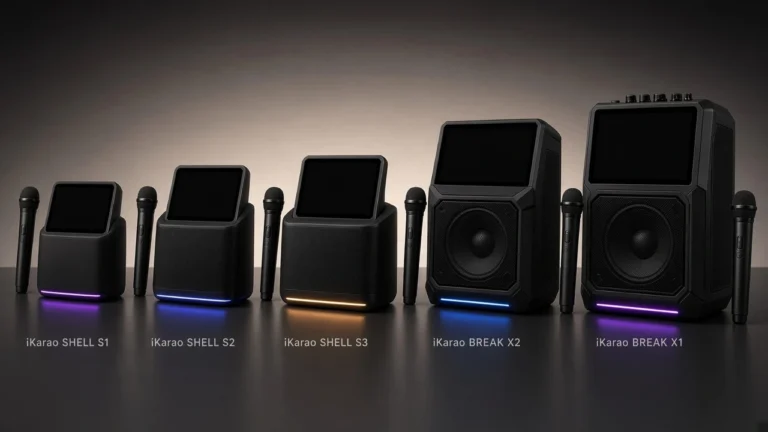
MICBOX PRO vs iKarao Break and Shell Microphones
The MICBOX PRO should not automatically be treated as a direct replacement for the microphones bundled with iKarao Break and Shell machines.
Break and Shell microphones are designed around those systems’ built-in wireless and charging arrangements.
MICBOX PRO is different because it uses an external receiver that plugs into a compatible audio input.
That means MICBOX PRO is better understood as a standalone accessory system that can add two wireless microphones to suitable equipment.
If your existing iKarao microphone has failed and you simply want an identical replacement, check the manufacturer’s model-specific replacement microphone options before assuming MICBOX PRO is the correct replacement path.
MICBOX PRO vs a Bluetooth Microphone
A Bluetooth microphone and MICBOX PRO can both be wireless, but the connection architecture differs.
MICBOX PRO uses:
microphone → dedicated 2.4GHz receiver → host audio equipment
A conventional Bluetooth accessory may instead communicate directly with a compatible Bluetooth host.
IKARAO specifically says MICBOX PRO does not require normal Bluetooth pairing or an app.
That can simplify setup with appropriate equipment, but it also explains why the microphones are not meant to connect directly to a phone.
MICBOX PRO vs a Wired Microphone
| Feature | MICBOX PRO | Typical wired microphone |
|---|---|---|
| Cable attached to microphone | No | Yes |
| Receiver required | Yes | No |
| Battery required | Yes | Usually no |
| Number included | Two | Depends on purchase |
| Mobility | Manufacturer-rated up to 30m wireless range | Limited by cable |
| Charging required | Yes | Usually no |
| Storage case | UV-C case included | Product-dependent |
| Input requirement | Receiver-compatible input | Connector-compatible input |
The comparison does not establish that one will sound better.
Wireless convenience, charging requirements, receiver compatibility, and cable-free movement are the clearer differences.
Is the IKARAO MICBOX PRO Worth It?
The MICBOX PRO makes the most sense as a two-microphone add-on for equipment you already own.
Its strongest practical combination is not any single specification. It is the package of:
two rechargeable microphones + dedicated receiver + 6.35mm/3.5mm connectivity + physical mic controls + sanitizing storage case
The manufacturer-rated 20-hour microphone runtime is also substantial on paper, although the receiver’s 8-hour rating is the more important limitation to remember when planning long sessions.
Compatibility is the deciding factor.
If your speaker, karaoke machine, amplifier, or mixer has an appropriate input, the MICBOX PRO offers a relatively self-contained way to add two wireless microphones without relying on an app or normal Bluetooth pairing.
If your goal is to connect directly to a phone, tablet, or TV, it is the wrong category of product according to IKARAO’s current compatibility guidance.
At the manufacturer-listed $159.99 price checked in October 2026, whether it is worthwhile depends mainly on how much you value the two-mic format, dedicated receiver, rechargeable design, and UV-C storage case relative to simpler wireless microphone systems.
Frequently Asked Questions
It is a dual-channel 2.4GHz wireless microphone system containing two handheld microphones, a rechargeable receiver, and a UV-C sanitizing storage case. It needs compatible external sound equipment rather than functioning as a standalone karaoke machine.
Two wireless handheld microphones are included.
It does not require normal Bluetooth pairing. IKARAO specifies a dedicated 2.4GHz microphone-to-receiver connection.
Not directly. IKARAO currently lists phones among the devices that are not compatible as direct hosts for the MICBOX PRO.
IKARAO says it is not intended for direct TV connection. It can still be used in a broader setup where compatible external audio equipment handles the receiver.
IKARAO lists JBL PartyBox among compatible device categories, but check the exact PartyBox model for a suitable 6.35mm or 3.5mm microphone input before buying.
IKARAO rates it for up to approximately 100 ft/30 m. The official manual warns that walls, metal, and wireless interference can reduce the usable range.
IKARAO rates each microphone for up to 20 hours from its 1500mAh rechargeable battery.
The receiver is rated for up to 8 hours, which is notably shorter than the microphones' stated runtime.
Hold the microphone and receiver power buttons for two seconds. The manual says pairing is complete when the white microphone light remains on.
According to the manual, flashing white indicates pairing. A steady white light indicates a connected microphone.
IKARAO reserves rebinding mainly for failed pairing, receiver replacement, or service situations. The manual instructs the user to press the power button five times quickly within 10 seconds after boot as part of the rebinding process.
Place both microphones inside and close the lid. The manual says the sanitizing cycle begins automatically and runs for 60 seconds. Opening the lid stops the cycle.
No. The official manual explicitly states that it is not waterproof and should be kept away from rain, splashes, and humidity.
Final Verdict
The IKARAO MICBOX PRO is best viewed as a dedicated wireless-microphone upgrade rather than a complete karaoke system.
Its key advantages on paper are two rechargeable microphones, a dedicated 2.4GHz receiver, both 6.35mm and 3.5mm connection options, simple first-time pairing, physical mute and volume controls, and an unusual 60-second UV-C sanitizing case.
The limitations are equally important.
It does not directly connect to phones, tablets, or TVs; it is not waterproof; range depends on the environment; and the receiver’s manufacturer-rated 8-hour battery life is much shorter than the microphones’ up-to-20-hour figure.
For someone who already owns compatible karaoke or PA equipment and wants two wireless microphones in a single package, the MICBOX PRO has a clear purpose.
For someone who expects a pair of microphones that can simply connect to any Bluetooth device, it does not.